Say where.
It plans the rest.
Every day laid out in about a minute: real places, times, food and the way between them. Then change anything by asking, and see it on your trip before you keep it.
 Point your iPhone camera here
Free on the App Store.

A place, a few taps, a whole trip.
No forms and no spreadsheets. Answer a few questions with a tap and watch the trip being written.
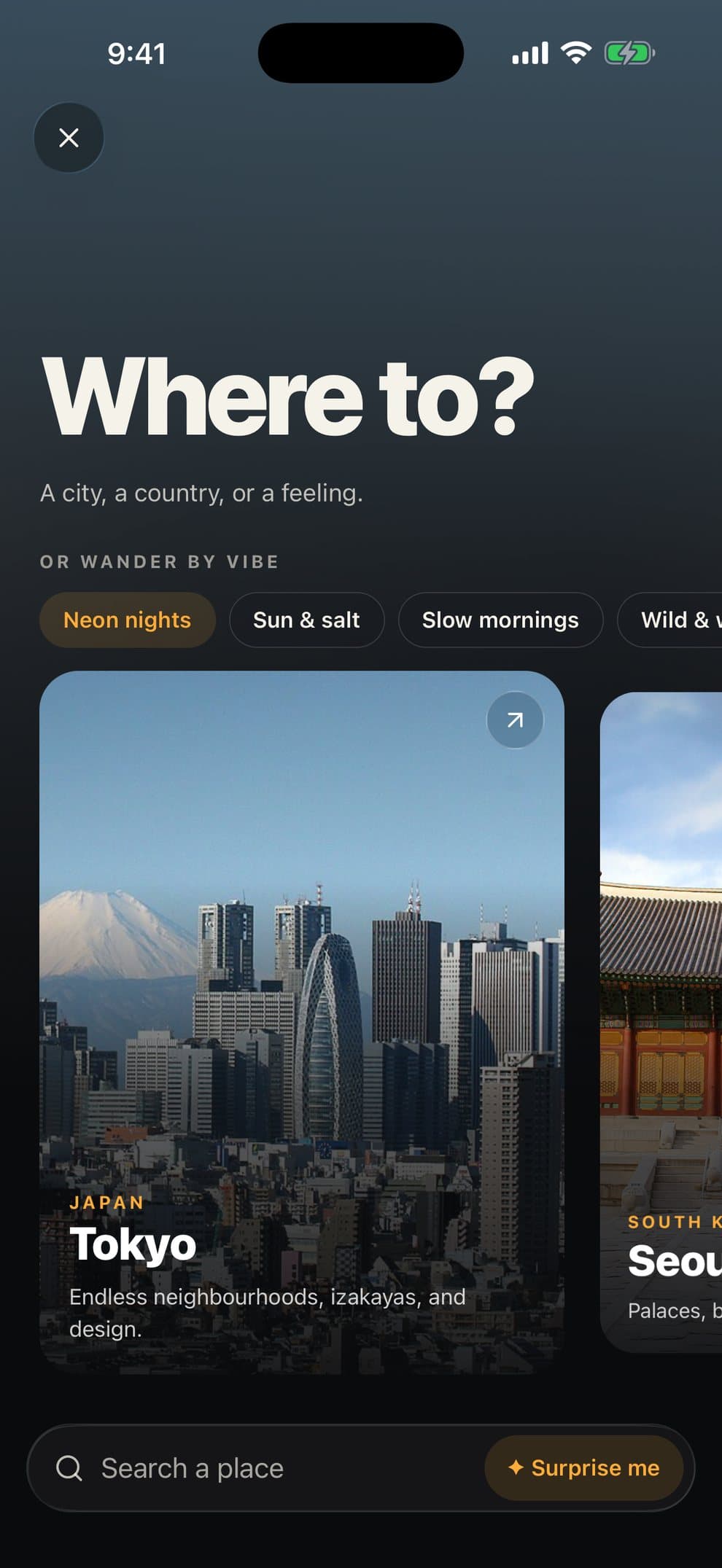
Where to
A place, or just a feeling.
Pick a city or a region, or wander by vibe: neon nights, slow mornings, sun and salt.
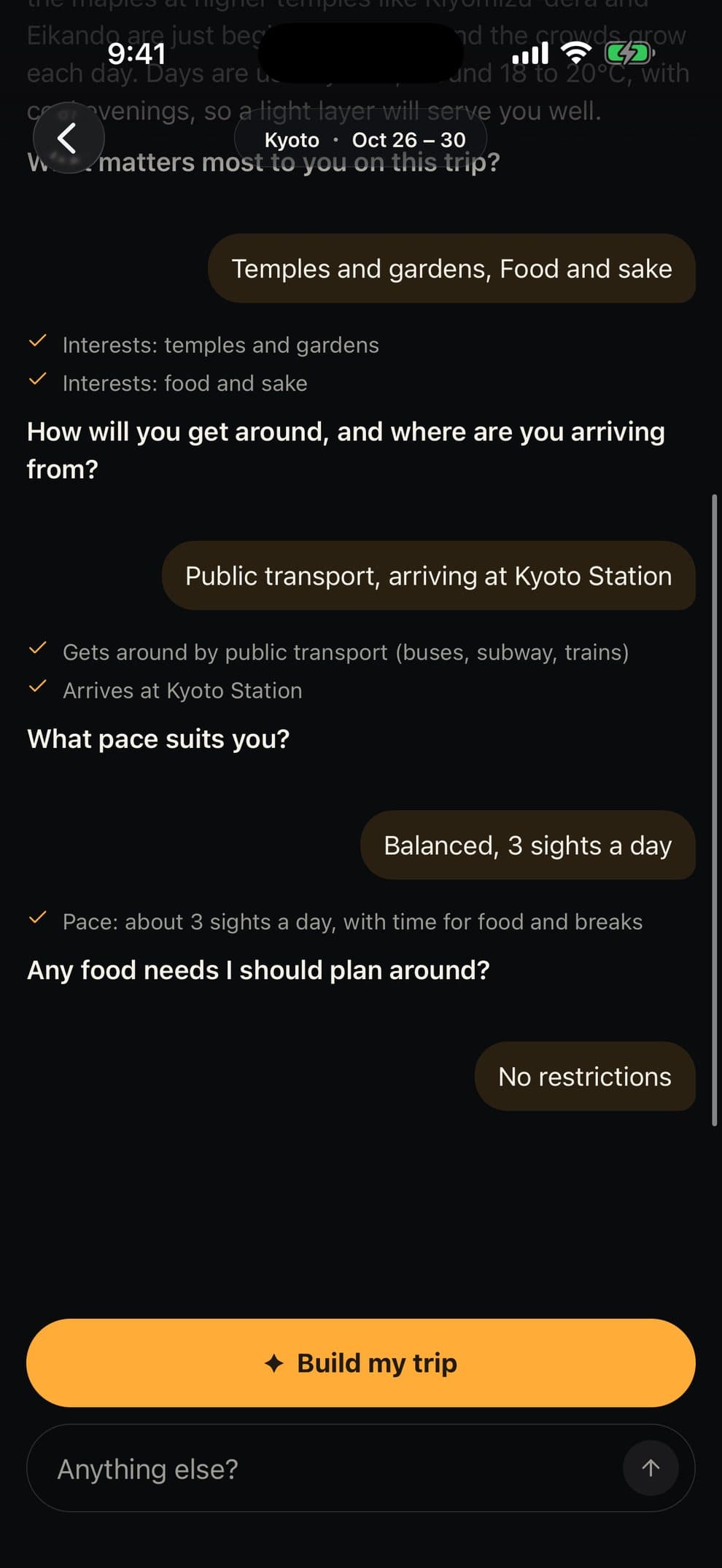
A short chat
A few questions, answered in a tap.
What you love, your pace, how you’ll get around. The planner notes each answer and plans around it.
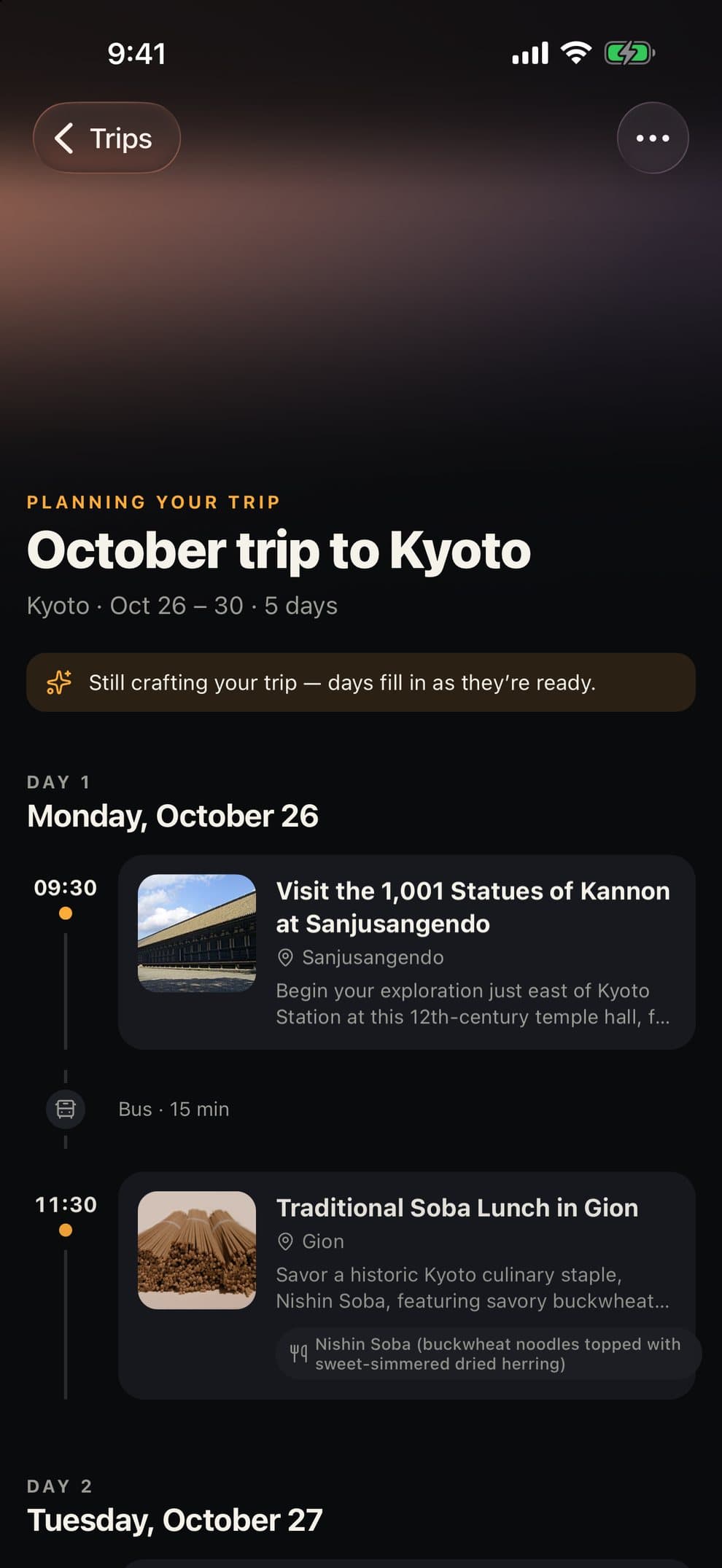
Your trip
Watch your days fill in.
Every stop arrives with a time, a place and how to get there, one by one as it’s planned.


Change anything. Just ask.
Tell the planner what to swap or slow down. It knows your times and the travel between stops, and shows you the change on your trip first. Nothing is saved until you say yes.
October trip to Kyoto
Oct 26 – 30- Arashiyama bamboo groveSagatenryūji, Ukyō Ward
- Tofu lunch by the riverYudofu SaganoWalk · 8 min
- Ramen dinnerDemachiyanagiTrain · 32 min
Try it: tap “Yes, do it”.

See where each day goes.
The whole trip on one map with each day outlined, or one day up close: numbered stops, the route between them, and how long every walk, train or ferry takes.
It travels with you.
Today comes first. During the trip, the app opens on today’s plan and what’s next.
No signal, no problem. Trips you’ve opened stay on your phone, underground or abroad.
Bring your people. Send a link anyone can open in a browser, or invite friends to plan with you.
Free for a short trip. Pro for the long ones.
Free
- Trips of up to 5 days
- Planning chat and changes by asking
- Day maps with routes and travel times
- Share links and invites
Pro
- Trips up to 14 days, with flights and trains between
- As many trips as you like
- Unlimited changes with the planner
- Every trip you’ve made stays yours, Pro or not
Prices and any free trial are shown in the app before you subscribe.
Questions
How long does a plan take?
About a minute for a few days. You don’t wait on a loading screen: the days fill in on your trip as they’re planned, and you can leave and come back while it finishes.
Are the places real?
Yes. Every stop is a real place with a time, an address on the map and how to get there from the stop before. Opening days are taken into account, so a weekend-only market lands on a weekend.
Will the AI change my trip without asking?
Never. The planner tells you what it would change and waits. Nothing is saved until you tap yes, and you can put things back afterwards.
Can I plan a trip with friends?
Yes. Invite people to view or edit the trip, or send a link anyone can open in a browser, no account needed.
Does GenTrip book hotels or tickets?
No. GenTrip plans the trip and leaves the booking to you, wherever you like to book.
Which devices and languages?
GenTrip is on iPhone, in English, French, Spanish, Japanese and Chinese. Sign in with Apple, Google or email and your trips follow you to any device.